
The current state of generative video often feels like a gamble disguised as a creative process. You enter a prompt, wait for the progress bar, and hope the resulting motion is cinematic rather than chaotic. For content teams and creators moving beyond the “novelty” phase of AI, the primary challenge isn’t just generating an image; it is maintaining structural integrity once that image begins to move.
When we talk about “motion” in a diffusion-based model, we aren’t talking about physics or skeletal animation. We are talking about a model’s statistical guess on how pixels should reorganize over a temporal sequence. If the camera pans left while a subject walks right, the model is forced to resolve two competing vectors of change simultaneously. Often, this results in “coherence drift”—the subject’s face morphing, the background melting, or the lighting shifting for no logical reason. Mastering this requires an operator to stop treating AI as a “magic box” and start treating it as a complex layering of constraints.
The Illusion of Choice in Generative Motion
There is a deceptive ease in generating a five-second clip. Most contemporary models can produce aesthetically pleasing motion if given enough room to hallucinate. However, true creative control is the ability to dictate exactly how a subject moves without losing who the subject is. The “melting” effect is the most common failure state in generative workflows. It occurs when the latent space cannot reconcile the movement of the camera with the structural persistence of the objects within the frame.
The technical reality is that generative models do not “understand” 3D space. They understand the relationship between pixels across time. When you ask for a complex camera move—like a tracking shot that orbits a character—you are asking the model to re-render the geometry of that character from a hundred different angles in rapid succession. Without a rigid blueprint, the model will prioritize the “feeling” of the movement over the consistency of the subject. This is where the operator’s role shifts from prompt engineering to architectural management.
The Anchor Frame: Why Pre-Production Dictates Video Success
In a professional generative workflow, the video generation is the final step, not the first. The success of a cinematic sequence depends entirely on the “Anchor Frame”—the initial static image that serves as the source of truth for the model. If this image contains visual noise, ambiguous lighting, or cluttered backgrounds, the motion model will struggle to differentiate between what should move and what should stay static.
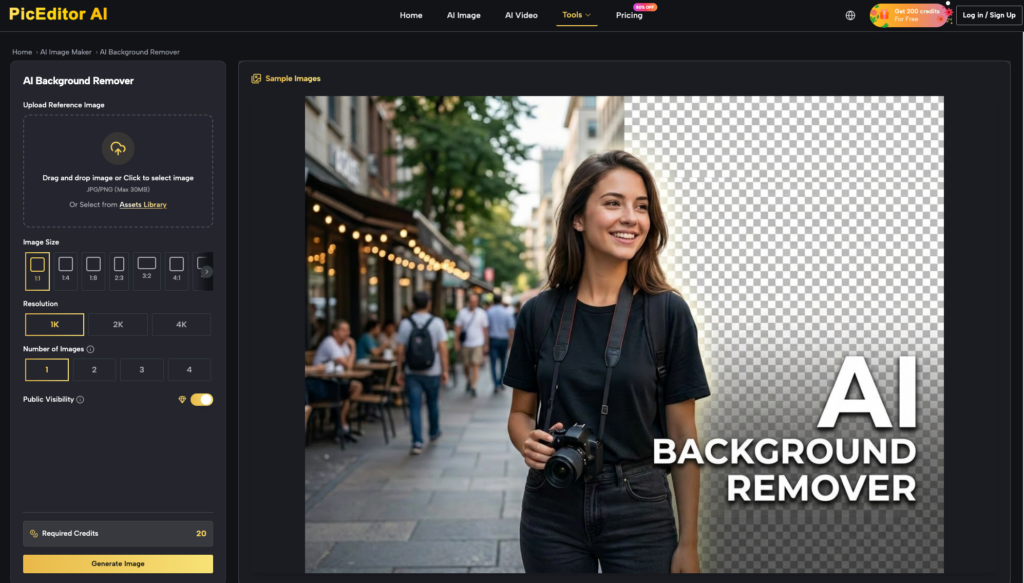
Before even touching a video generator, an operator should use an AI Photo Enhancer to refine the source asset. This is a critical moment of practical judgment: you aren’t just making the photo “look better,” you are clarifying the boundaries for the AI. For instance, if you have a subject in a busy urban environment, using an AI Photo Editor to remove distracting background elements or sharpen the edges of the subject provides the video model with a cleaner “map.”
Composition density is a major factor here. A dense, high-detail background often leads to motion artifacts because the model tries to animate every leaf or brick independently. By using inpainting and upscaling tools to simplify and clarify the background before animation, you reduce the “computational load” of the motion, allowing the model to focus its predictive power on the subject’s movement. This level of intentionality is what separates professional output from hobbyist experiments.
Architecting the Pan: Controlling Camera Velocity
Once the anchor frame is optimized, the operator must manage the camera’s relationship to the scene. One of the most common mistakes is requesting high-velocity camera movement in a single pass. When a camera pans too quickly across a generated scene, the pixels are essentially “teleporting” across the frame. The model has to invent too much new information between frames, which leads to flickering and structural collapse.
Effective operators shape camera movement through “temporal awareness.” This means understanding the limits of how much a scene can change per frame. If you need a sweeping panoramic shot, it is often more effective to generate a wider static image first—perhaps using an AI Photo Editor to extend the canvas—and then apply a more subtle, controlled pan within the video generator.
Practical judgment also dictates when to use text-based direction versus motion brushes. While text prompts like “cinematic slow pan” are easy, they are imprecise. Motion brushes allow for localized velocity control, telling the model exactly which parts of the frame should experience the most displacement. It is important to note, however, a moment of uncertainty: even with precise brush control, most current models still struggle to maintain consistent lighting during a 180-degree turn. We are not yet at the point where light-source persistence is perfectly tracked across complex camera maneuvers.
Decoupling Pacing from Subject Dynamics
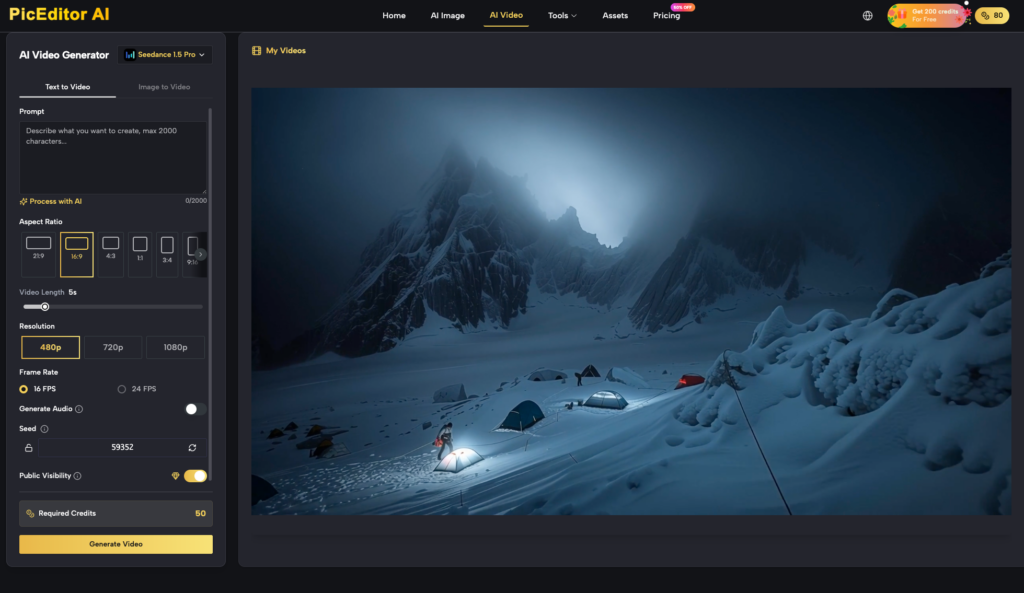
Pacing is the heartbeat of a sequence, but in generative video, pacing and subject motion are often frustratingly linked. If you increase the “motion strength” setting to get a character to run faster, you often inadvertently increase the camera jitter and background warping.
To solve this, content teams are increasingly turning to a “layered” approach to motion. Instead of trying to get the perfect movement in one generation, operators generate the background movement and the subject movement separately when possible, or they use heavy “negative prompting” to lock down the background while allowing the subject to move.
There is also the “uncanny valley” of motion to consider. Human gait and subtle gestures are incredibly difficult for current diffusion models to replicate with 100% accuracy. We often see a “gliding” effect where a character’s feet don’t quite sync with the ground they are walking on. Pacing the shot as a “medium close-up” or a “waist-up” shot can mitigate this by removing the need for the model to simulate complex leg and foot physics. It’s an expectation-reset for the client or the team: sometimes the best way to get a “realistic” shot is to avoid the parts of the body that the AI can’t yet move realistically.
Iterative Cleanup and the Limits of Control
The final stage of the workflow is where the operator acknowledges that no generation is perfect. There will always be frame-specific glitches—a finger that grows an extra knuckle for three frames, or a background sign that changes its text mid-pan.
At this point, the workflow loops back to the beginning. High-fidelity results often require an AI Photo Editor to perform post-generation refinement. If a five-second clip is mostly perfect but has a significant visual error in the middle, an operator can extract those specific frames, fix them using an AI Photo Editor, and then use an “image-to-video” bridge to re-interpolate the motion.
This brings us to an essential limitation of current technology: we cannot yet perfectly simulate clothing physics or complex hand-object interactions with total predictability. If your script requires a character to tie their shoelaces or button a shirt, you are likely to face significant coherence issues regardless of your prompt. In these cases, the operator’s role is to edit the probability of success—choosing angles and movements that minimize the chance of the model failing.
The move toward precision in generative workflows isn’t about finding a “better” model; it’s about a more disciplined use of the tools we already have. By treating the AI Photo Editor as a pre-and-post-production hub, and by understanding the technical friction between camera velocity and subject persistence, creators can finally stop gambling with their output and start directing it. The goal is to move from being a prompt enthusiast to being a technical director of pixels, where motion is an intentional choice rather than a random byproduct of the latent space.